
To turn on your Lü :
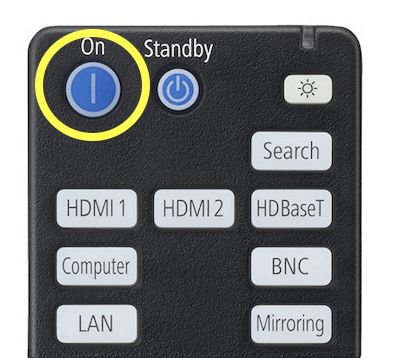
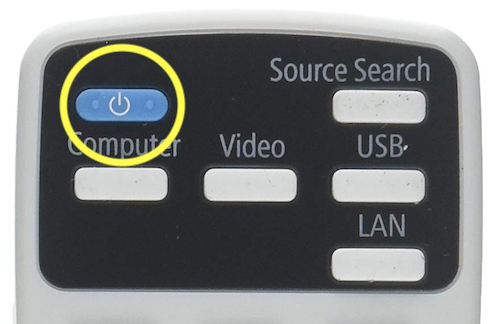
● Using the Epson remote controller, press ON to turn on the projector.
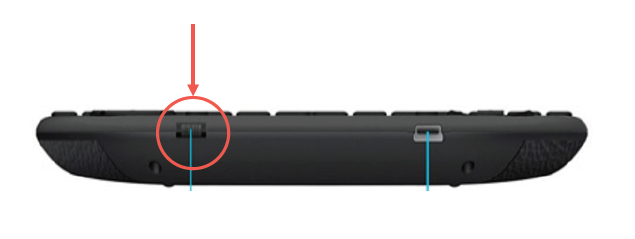
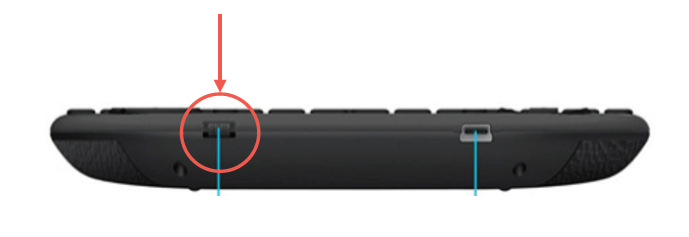
- Turn on the portable remote-keyboard.
● Turn off the gymnasium lights (optional).
● Wake up the application by pressing any key.
Note : if you have a Lenovo computer, you need to press ALT+P
Note : if you have a Lenovo computer, you need to press ALT+P
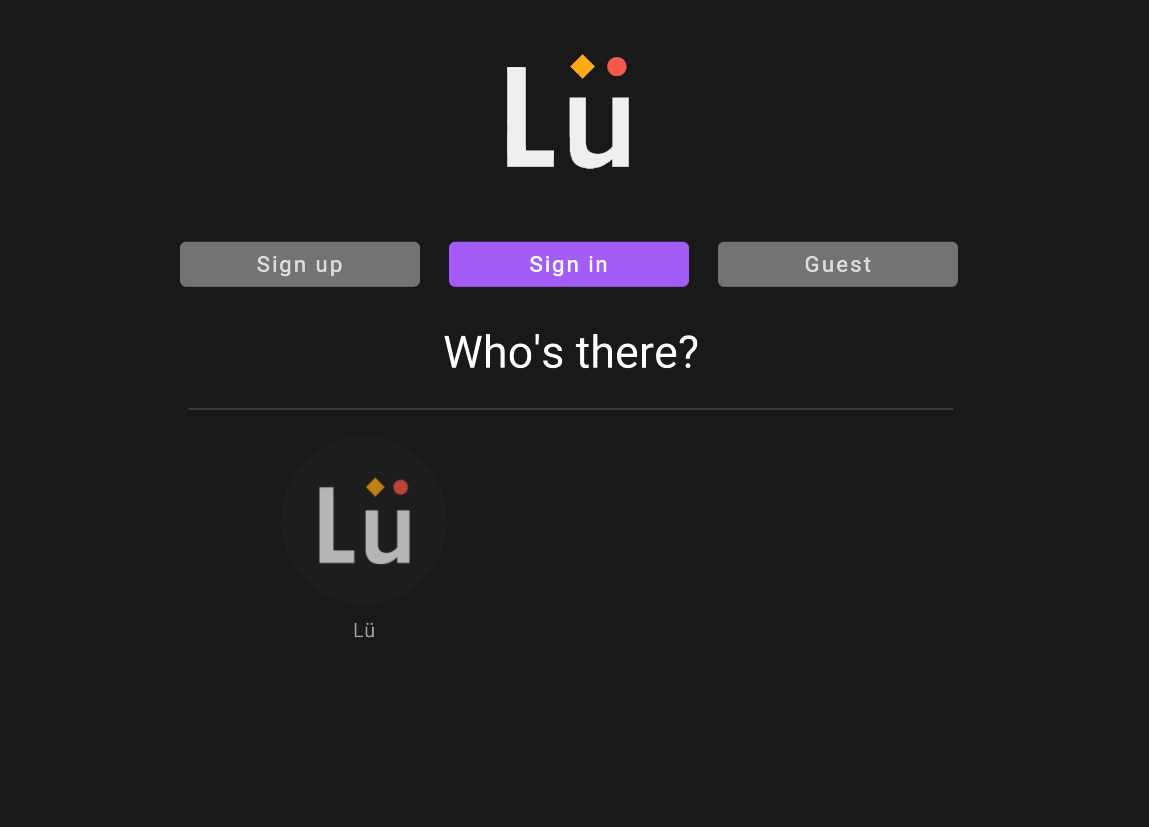
● Sign in with your account or continue as a guest. You can also create your account if you don't have one yet by selecting "sign up".
To turn Lü off when you're done using it :
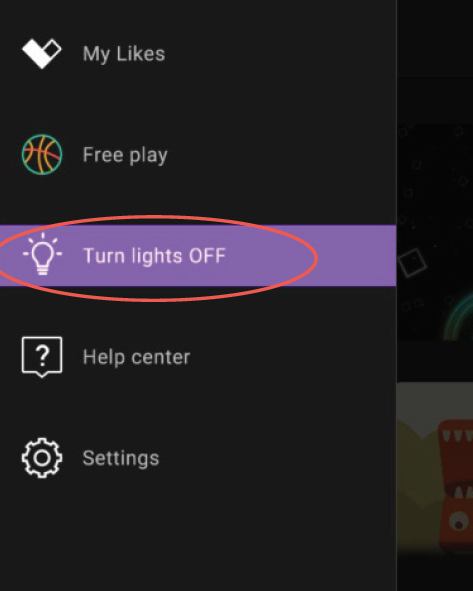
● Turn off the lights of the Lü using the F1 key or the bulb icon.
● Turn off the portable keyboard.
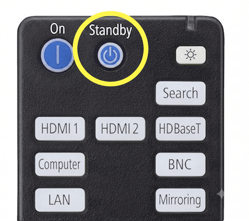
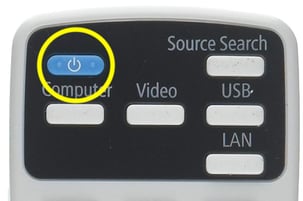
● Press the STAND BY or POWER button on the Epson remote control remote to turn off the projector.
We strongly recommend leaving the computer on at all times rather than shutting it down at the end of the day. Keep it powered on whenever possible.