
When the Lü app launches, the lights turn on automatically.
As you enter an app, they adjust and change color based on the selected game.
When you're finished, either turn the lights off manually or leave the Lü app open.
After 30 minutes of inactivity, the lights shut off automatically.
To toggle the lights manually, select the bulb icon on the left side panel.
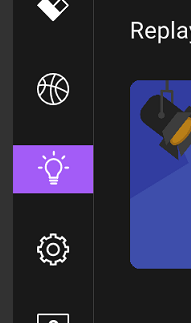 .
.
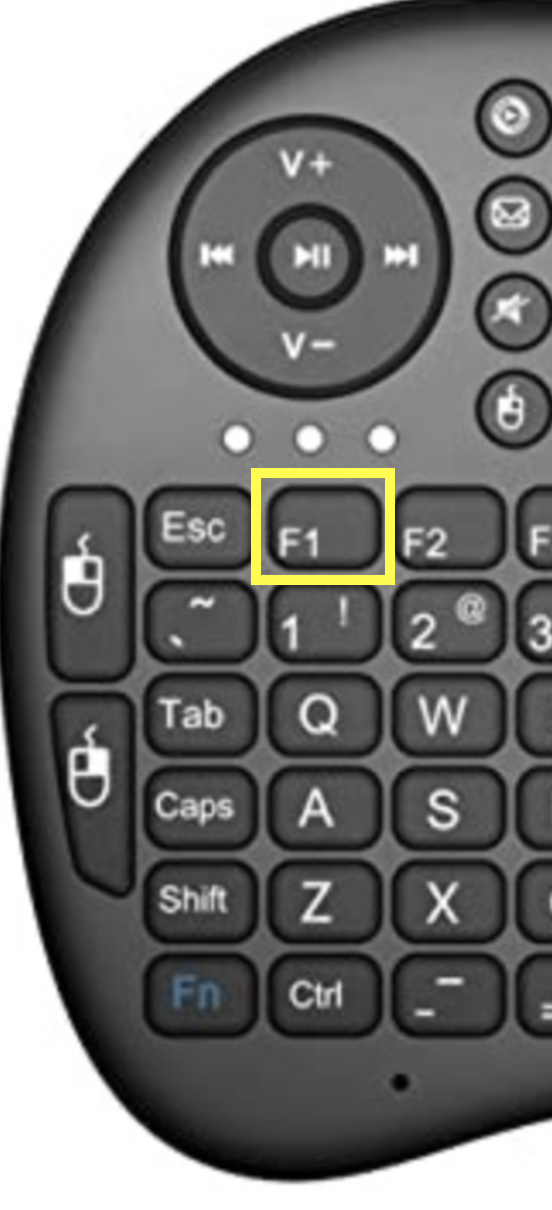
You can also press the F1 key on your remote control keyboard.
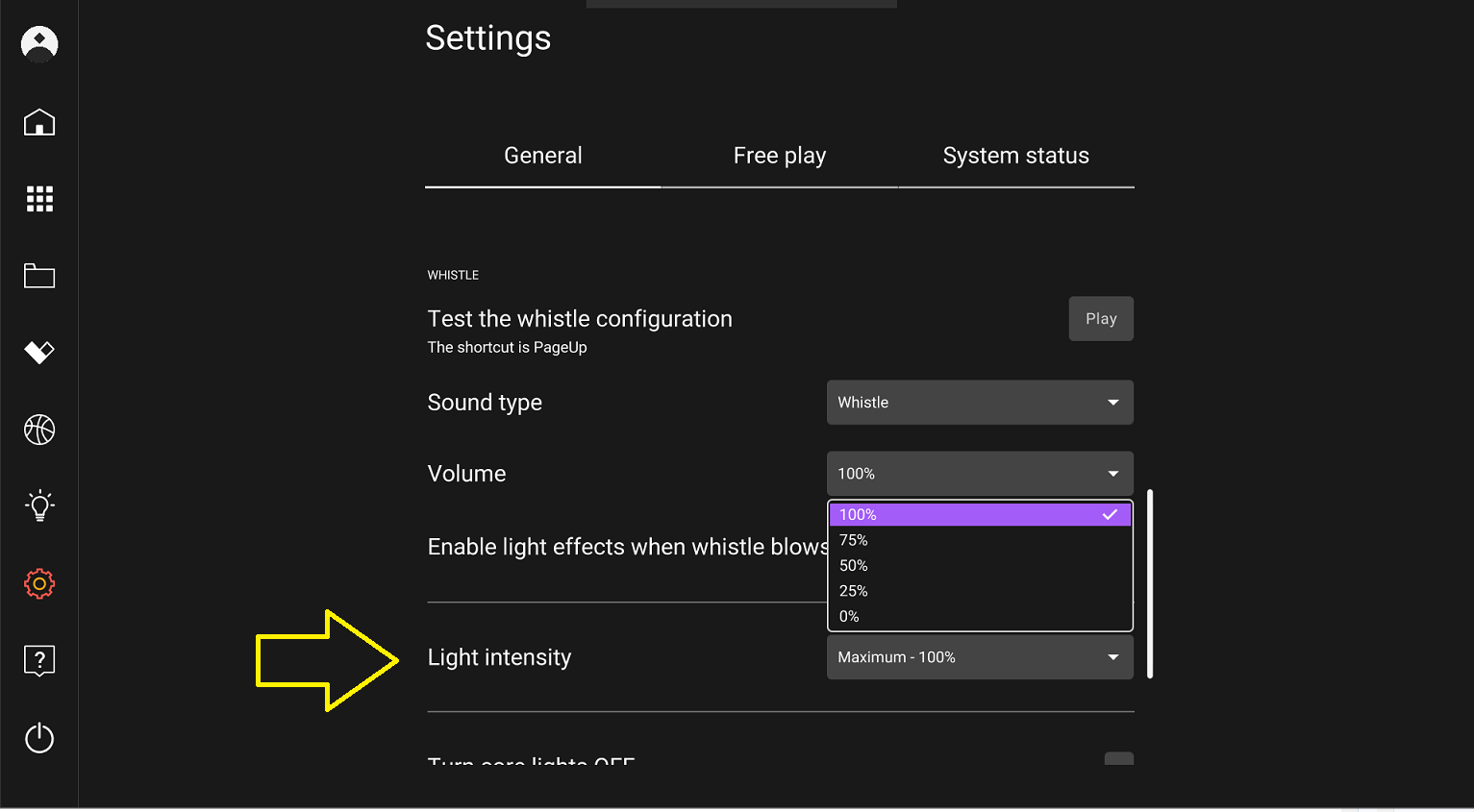
To disable the lights, go in the Lü settings and change the light intensity to the desired level.
The default light color on the homepage cannot be changed, but you can temporarily adjust it using the Lümi app.
Still have questions? Contact us!