
Calibration guide for accurate ball detection with a Möve configuration
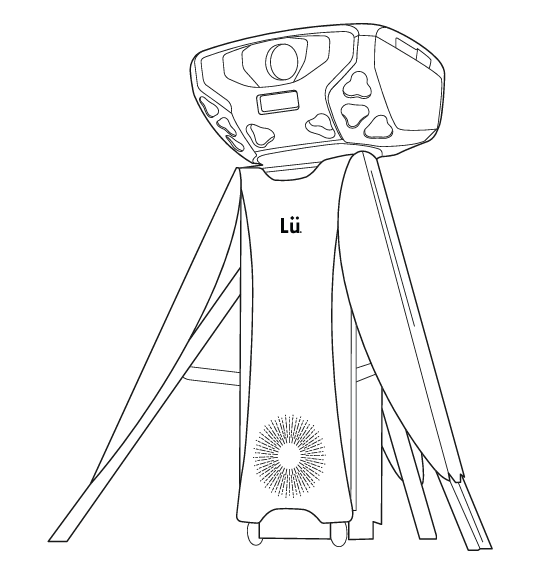
Calibration is necessary when the detection of the ball on the wall is inaccurate or when there are false detections. This usually occurs when the camera is hit by a ball. Even a slight movement of the camera can impact detection accuracy. You don't need to calibrate the camera every time you're using your Lü.
Follow these steps to calibrate:
Open Settings:
- Select the gear icon in the left panel.
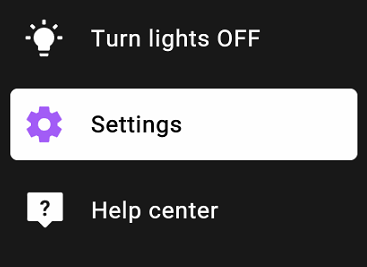
Start Calibration:
- Click on the "Start" button in the Calibration section.
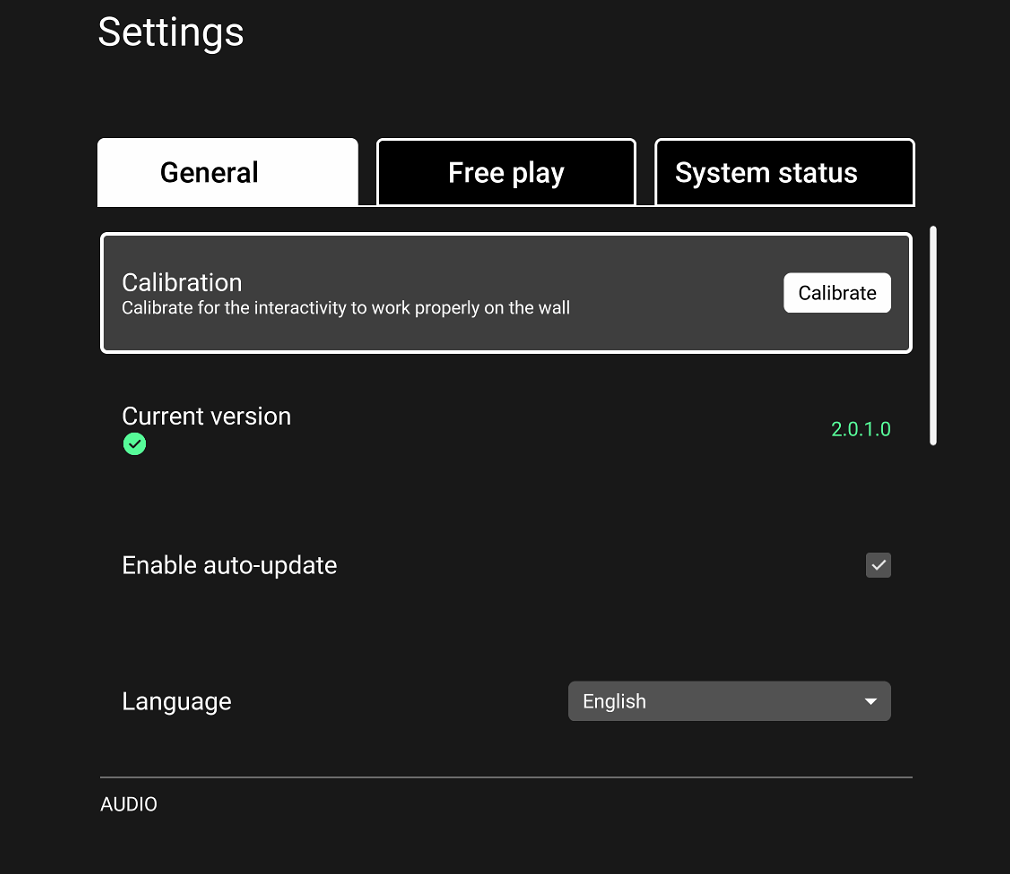
Choose Calibration Method:
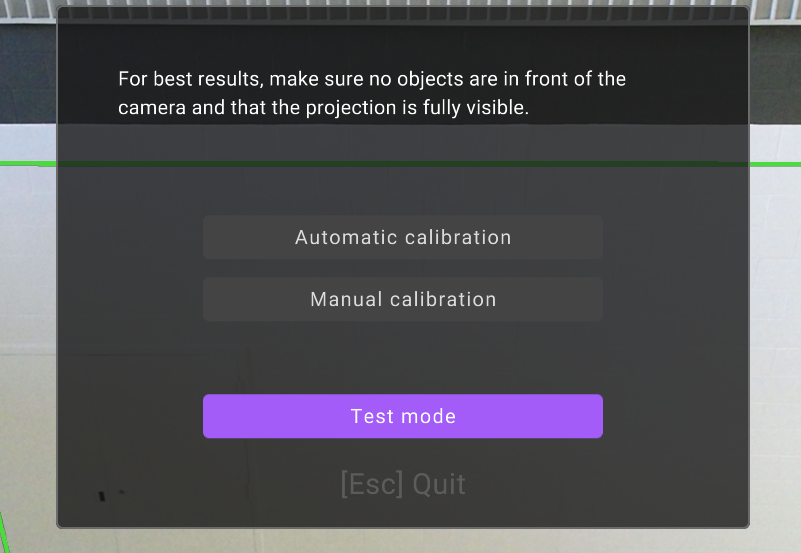
- Select the calibration method that suits you best: Automatic or Manual. You should start with the automatic calibration. If the automatic calibration fails, try the manual calibration.
- For manual calibration, follow your on-screen instructions.
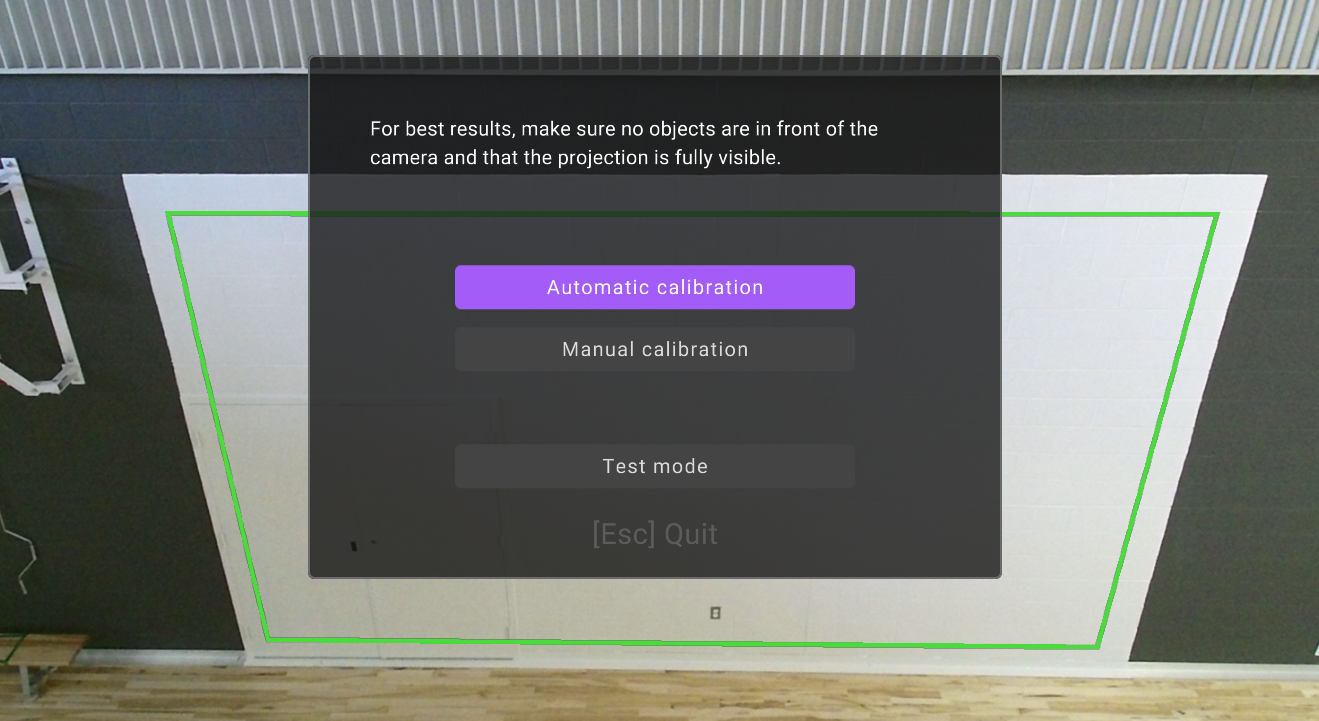
When calibrating the camera in the manual calibration, adjust the green rectangle to fit the projection screen. The green rectangle represents the detection zone. Adjust the screen as if you were looking through the camera.
Handle Calibration Failures:
- If the calibration fails, try the other method.
Test Detection Accuracy:
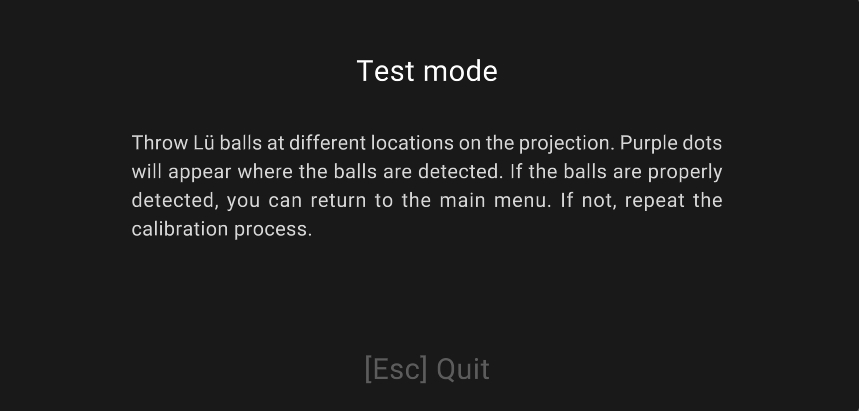
- After calibration is complete, select Test mode. Throw a few balls at different places in the projection to test the detection accuracy.
Return to Home Page:
- Press “Esc”, then “OK” to return to the home page.
For more details on calibration, check out the “Learn to calibrate the camera” tutorial in the Help Center of the Lü system.
Still have questions? Contact us!