
1. Make sure your Lü is connected to the internet.
New Lü Sign In accounts do not display the Lü+ homepage on first login. Create your profile, then link it to your Lü-Community account to enable access.
3. Create your profile on your Lü, and link it with your Lü account.
Note: refer to the article First-time sign-in on your Lü system to follow the procedure.
Note: refer to the article First-time sign-in on your Lü system to follow the procedure.
Note2: refer to the article Link Your Profile to Your Lü Account if your profile, and your Lü account are already created.
4. Find the detail of your subscription in your profil section.
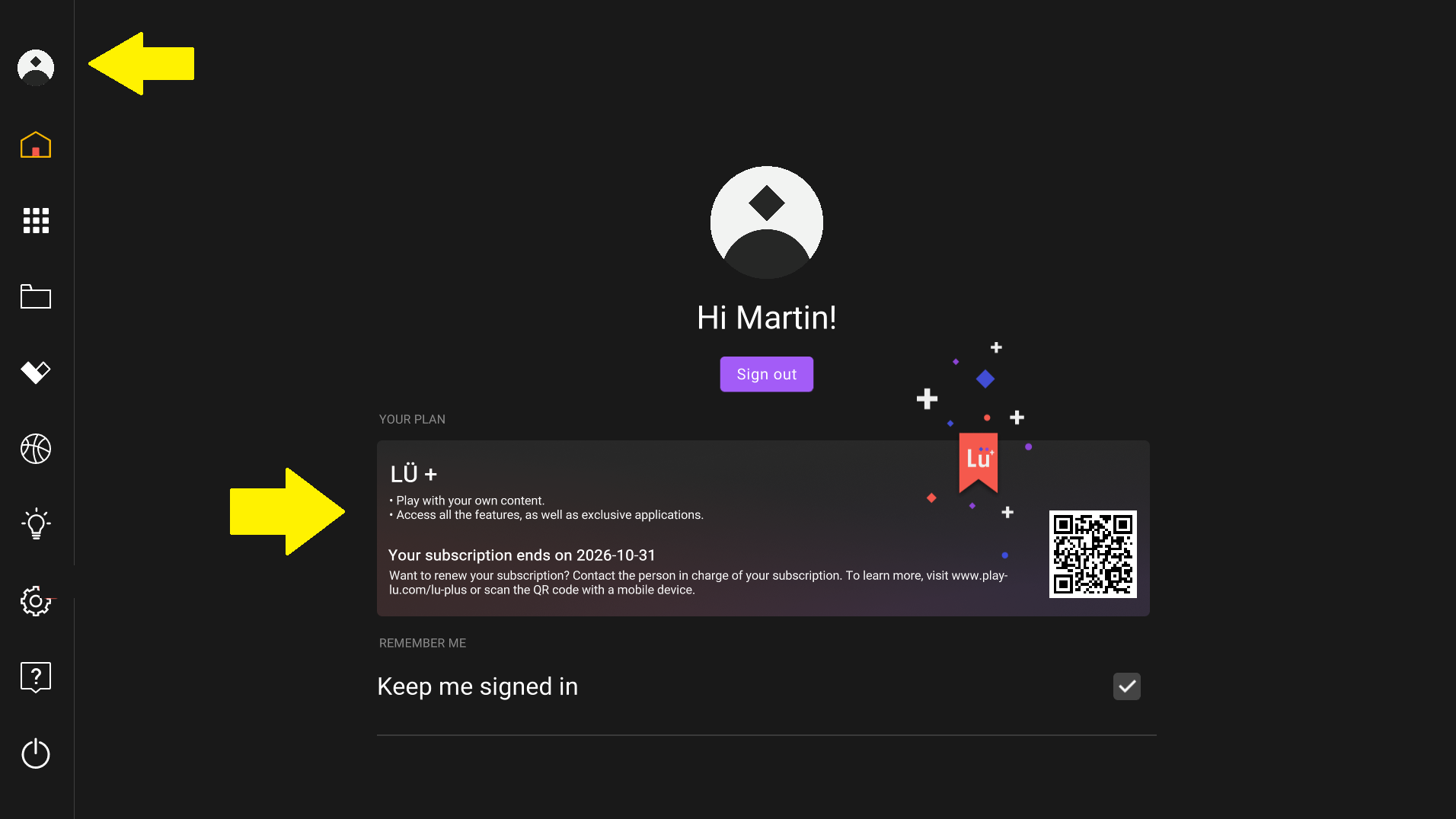
5. You can now play the applications identified with the Lü+ banner.

To learn more about Lü+, please check this article.
Still have questions? Contact us!