
Follow these steps to reset your password:
1. Visit www.lu-community.com.
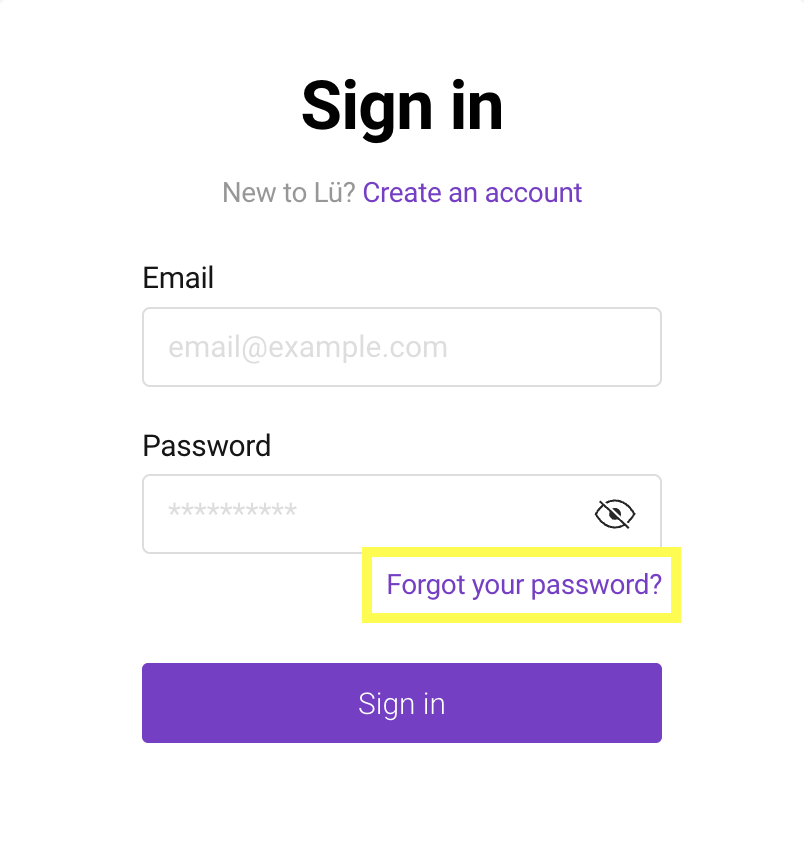
2. Click on “Forgot your password?”.
3. Enter your email address and click “Reset password”.
4. Keep the page open, then check your email for the reset code.
5. Return to the password reset page and enter the code.
6. Create a new password, then click “Confirm”.
If your password is saved in your web browser and you’re already logged into your account, click the small arrow at the top-right corner of your screen and select “Log out.”
Still have questions? Contact us!