
If the computer is stuck on the Dell splash screen, you need to restart it.

You have two options to do this:
Option 1: Restarting from the Computer
1. Using a ladder, open the heart's cover to access the computer located inside. Once the cover is removed, press and hold the computer's power button for 10 seconds. When the computer turns off, press the power button again to restart it.
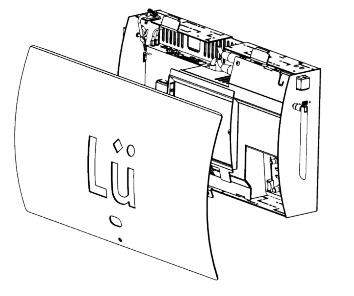
Note: If the issue persists, repeat this step one more time. If the problem continues, proceed to the second option.
Option 2: Restarting from the Breaker
- Turn off the projector.
- Turn off the electric breaker that the Lü system is connected to and wait for 2 minutes.
- Turn the breaker back on. The computer should boot automatically.